nocal v4.6: Import your notes, act on many at once, and see what AI wrote
nocal v4.6 brings your notes in from Markdown, plain text, and Evernote, adds bulk actions and AI provenance, and smooths out mobile calendar scrolling.
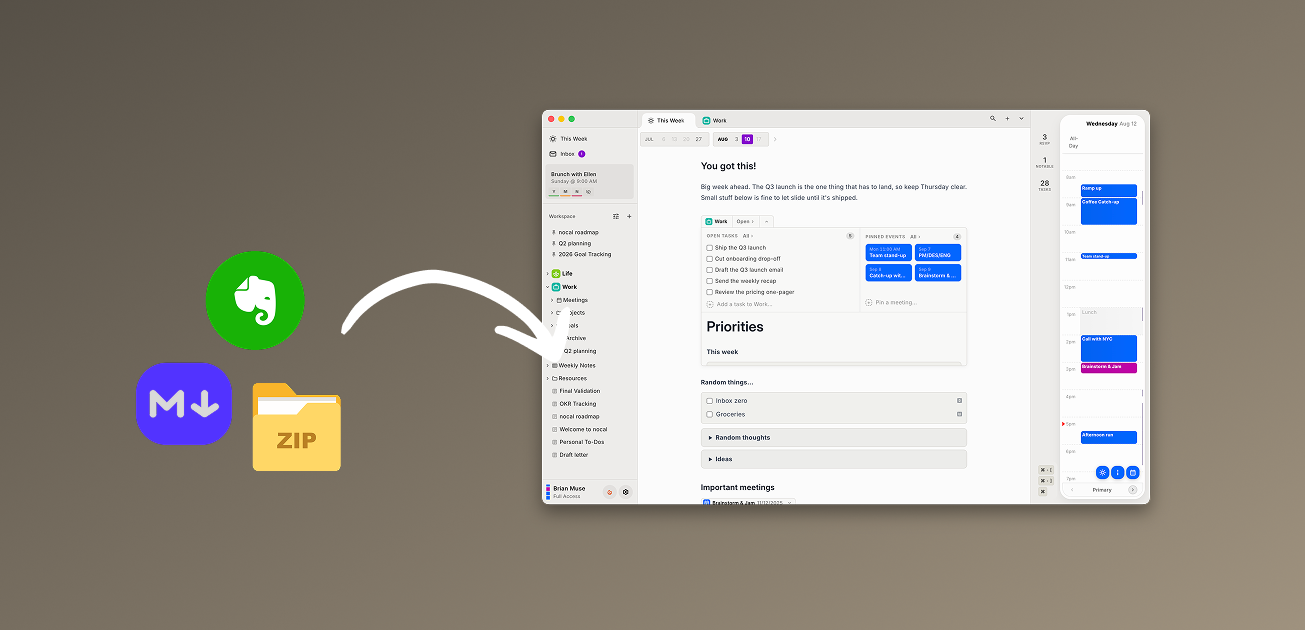
Today we are releasing nocal v4.6. This one is about getting your notes into nocal, working with them in bulk, and knowing where the words came from.
Bring your notes in
Desktop Until now, moving notes into nocal meant copy and paste. Now you can import them.
The desktop app reads:
- Markdown (
.md) - Plain text (
.txt) - A
.zipof Markdown files - Evernote exports (
.enex)
Choose Import in the notes sidebar and pick your files, or drag them straight from your computer onto the sidebar and drop them where you want them. Your text, headings, lists, checklists, and tables come across.
Coming from Evernote, export your notebooks as a single .enex file and import that. The importer carries the text of your notes and tells you what it could not bring, so nothing disappears without a trace. See how to import notes, or read the fuller Evernote comparison.
Your notes stay yours the other direction too: you can export all of them as Markdown whenever you want.
Act on many notes at once
Desktop Select two or more notes and a bulk actions bar appears. Move them to trash together with a single confirm, instead of one at a time. Clearing out old notes is now a quick pass, not a chore.
See which parts of a note came from AI
All When an assistant writes into a note through nocal's MCP server, those blocks now stay highlighted until you have read them, and show which assistant wrote them: OpenAI, Gemini, Claude, Cursor, or another MCP client. Click into a section to clear its highlight. You always know what you wrote and what an agent did.
Smoother scrolling on your phone
Mobile Calendar scrolling now works even when your finger starts on an event you just tapped, so the timeline moves the moment you drag. This release also fixes notes that could open blank when they began with a list or a table, and stops the notes list from briefly showing an out-of-date version when the app opens.
Available now
nocal v4.6 is rolling out to desktop and mobile. If you already have nocal, it will update on its own. If you are new, download nocal and give it a week.
 Download for Mac
 Download for Windows
 Google Play Store