Step 01
Agent context retrieval
Cursor, Claude, or ChatGPT calls nocal MCP tools to find the right note history and current project context.
Notes, calendar, and tasks with built-in MCP for AI agents


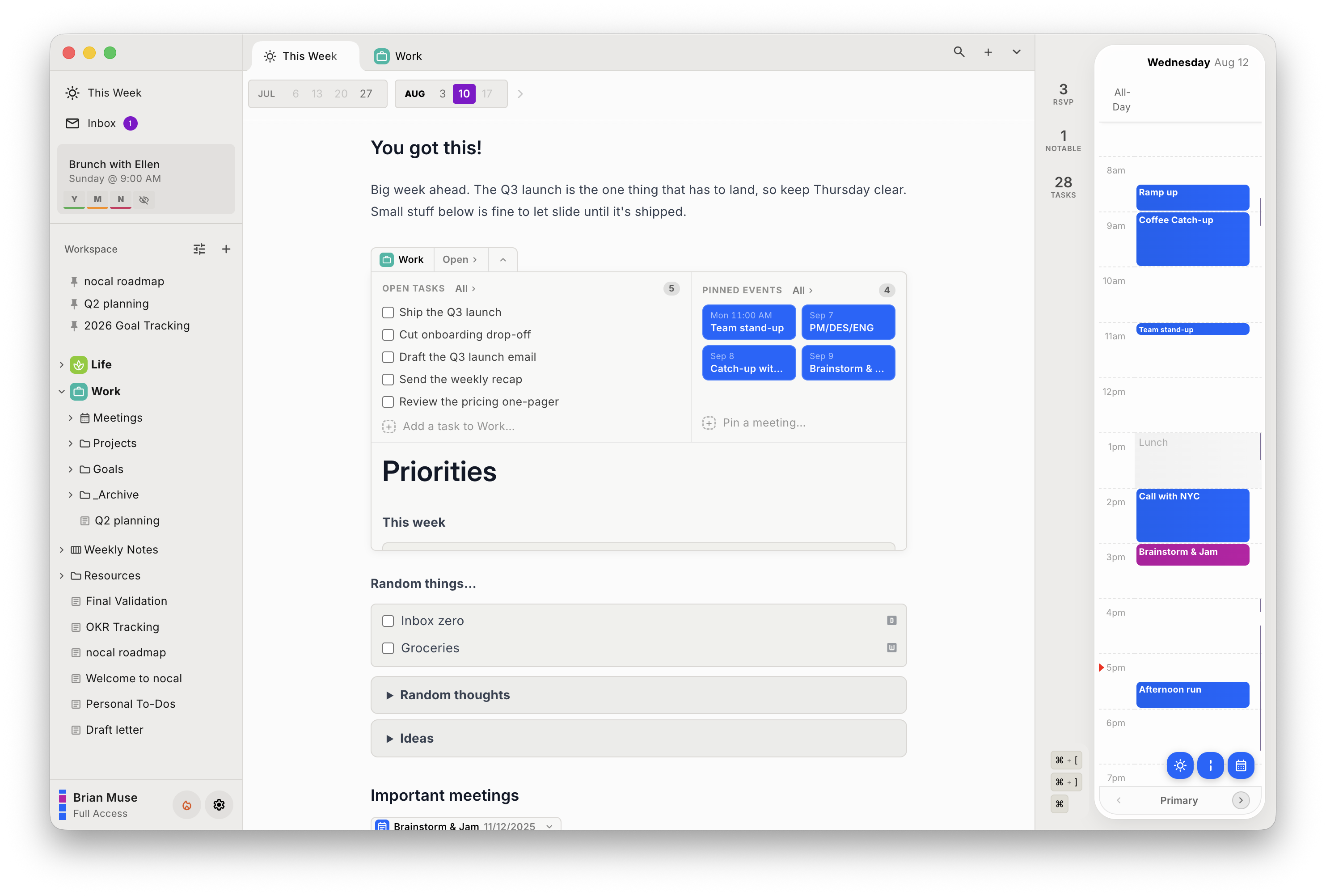
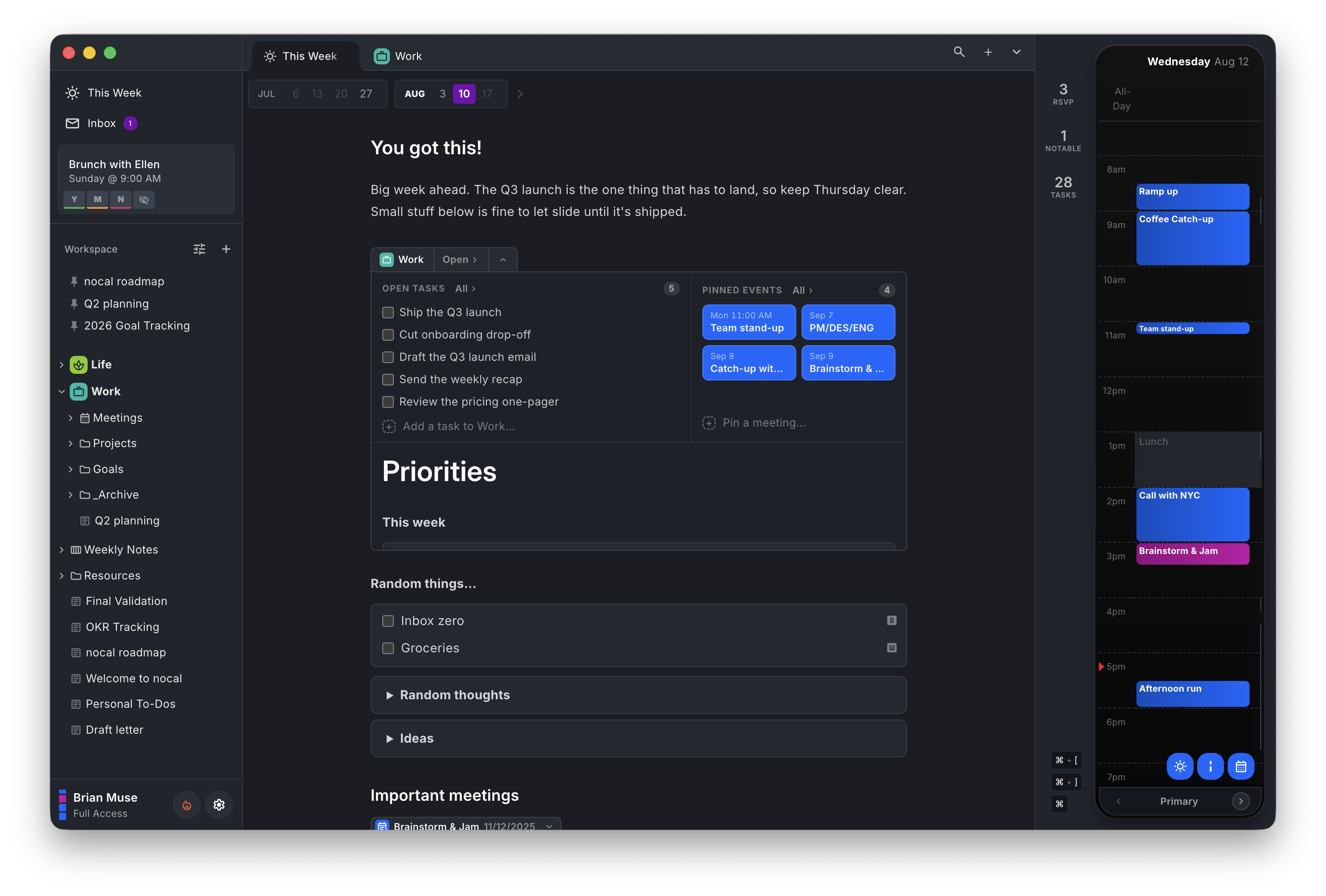
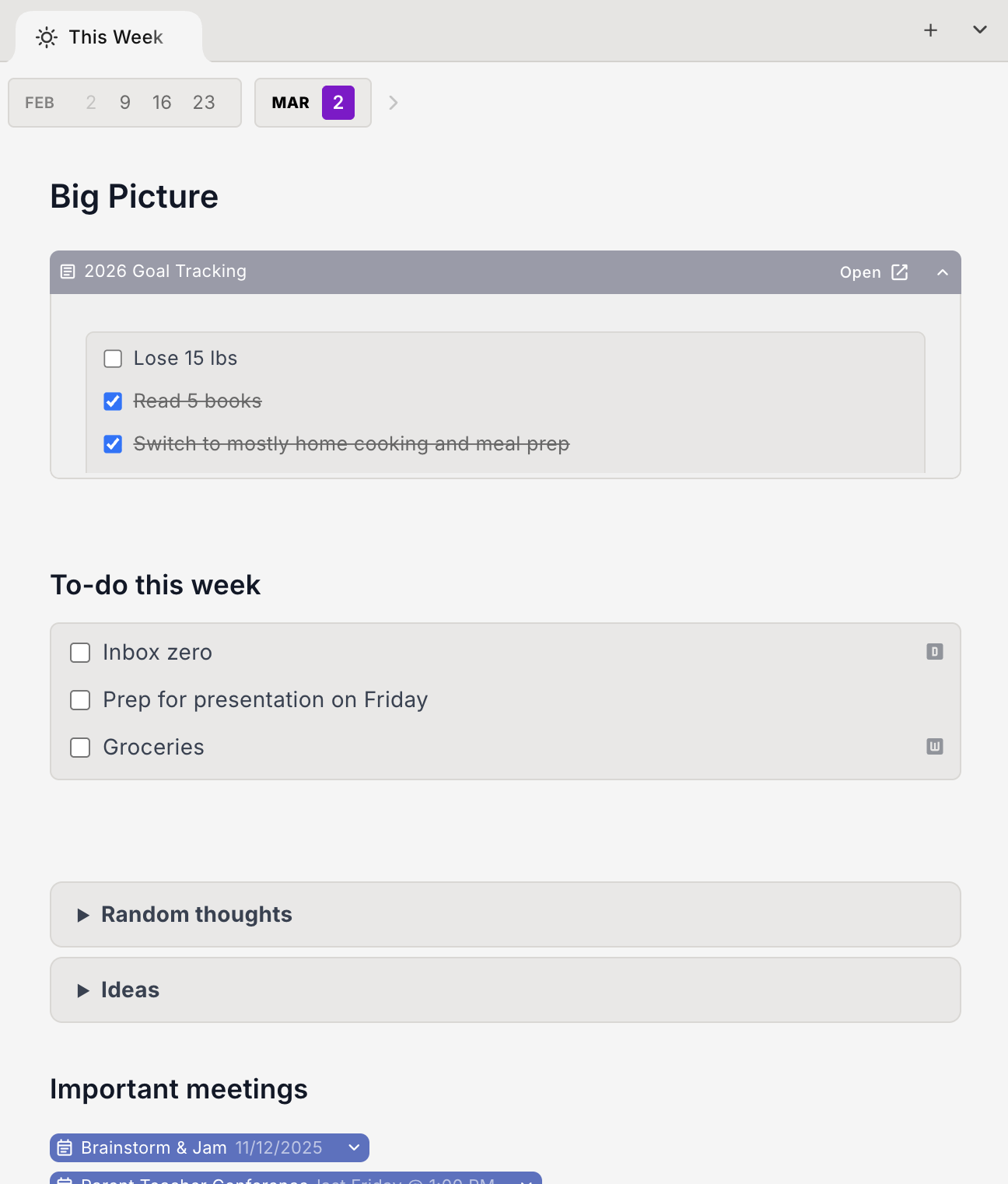
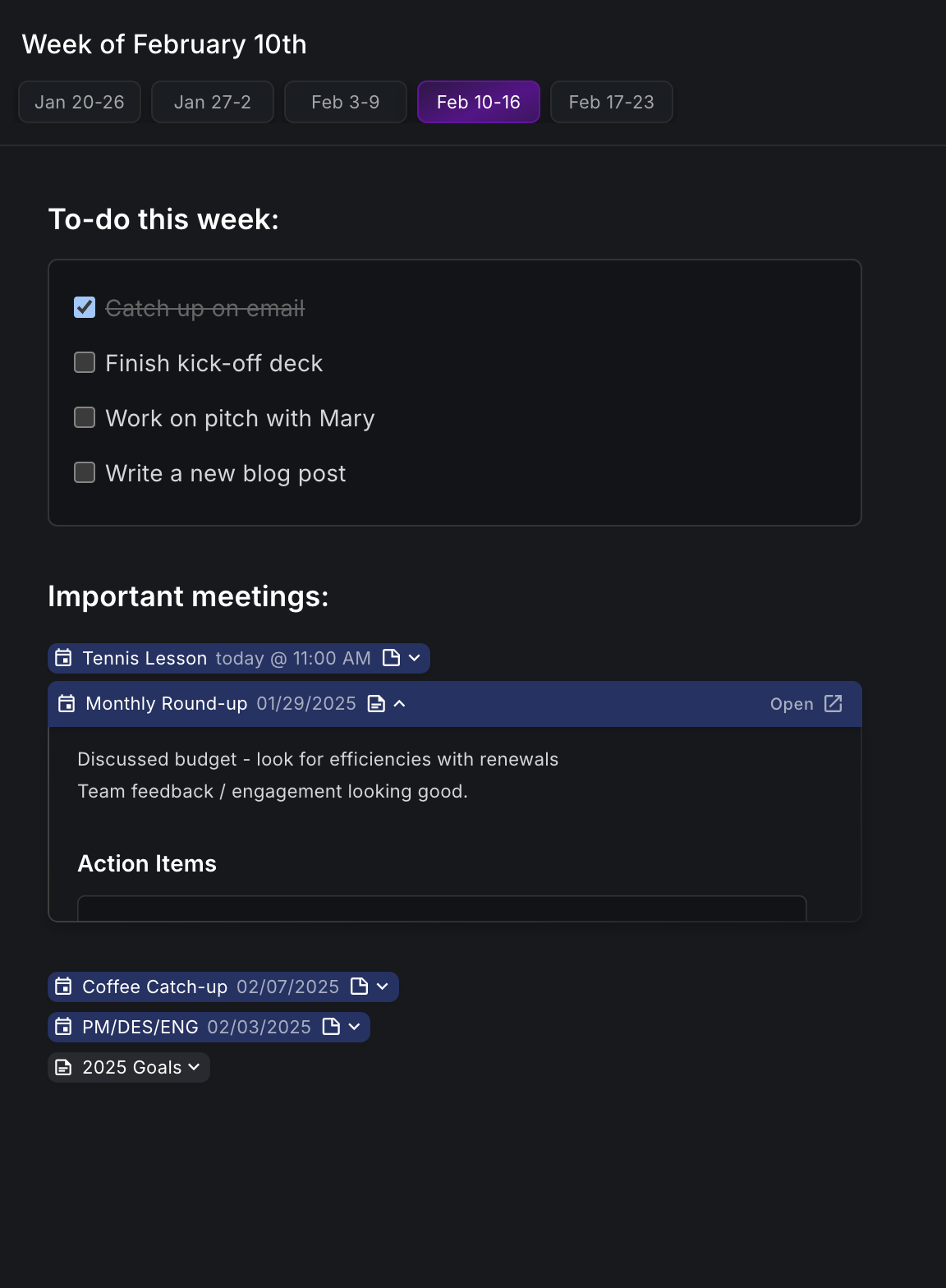
Transform your weekly view into your command center. Write in Markdown, embed rich components, and see your entire week holistically.


Build your weekly plan with powerful components. Everything you need, right in your calendar.
Built-in MCP server
Cursor, ChatGPT, and Claude can read real context from nocal and write results back into structured notes, so your work stays organized instead of disappearing into chat history.
How MCP flows
Step 01
Cursor, Claude, or ChatGPT calls nocal MCP tools to find the right note history and current project context.
Step 02
Your model turns fragmented context into clear outputs: release notes, plans, summaries, and action lists.
Step 03
The output is written back into nocal notes with safe patch semantics, so work survives beyond chat history.
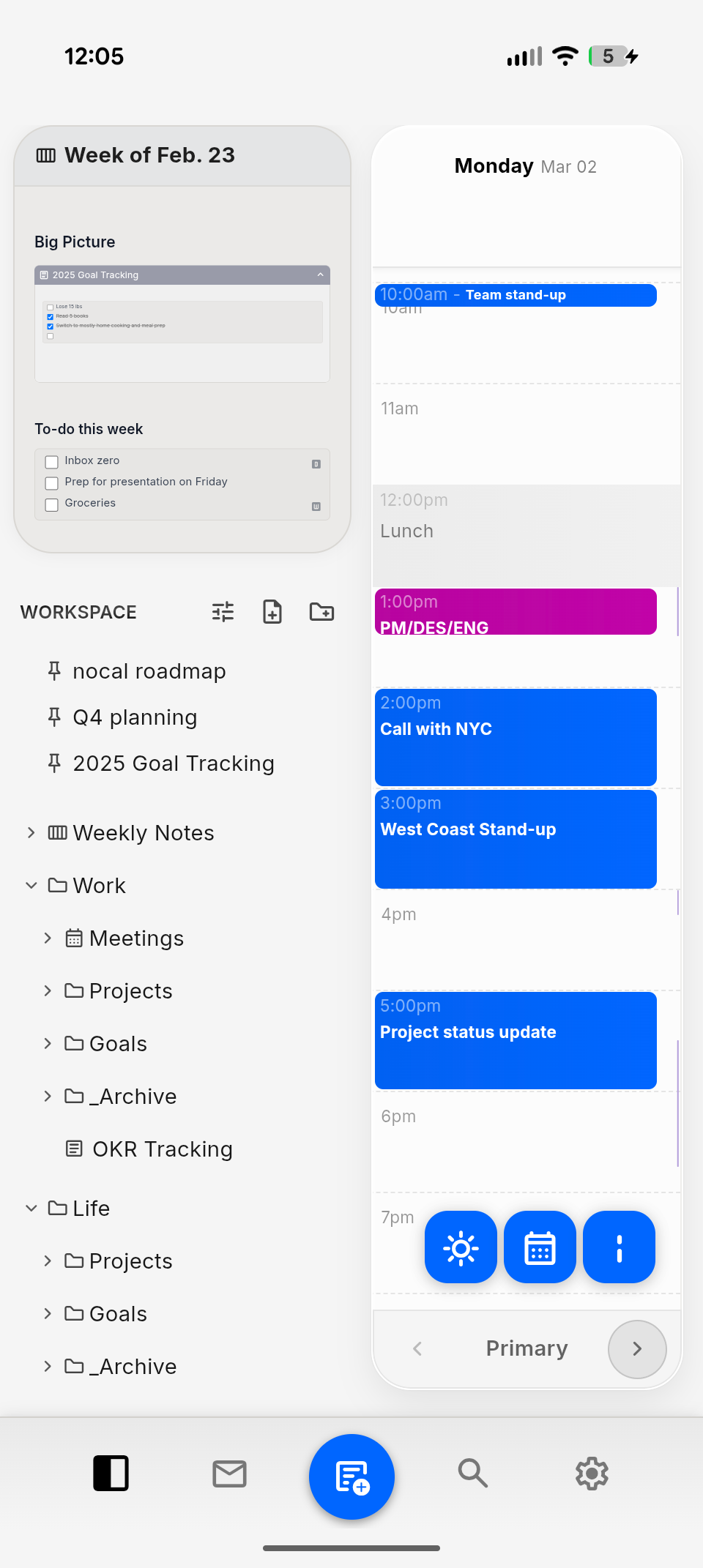
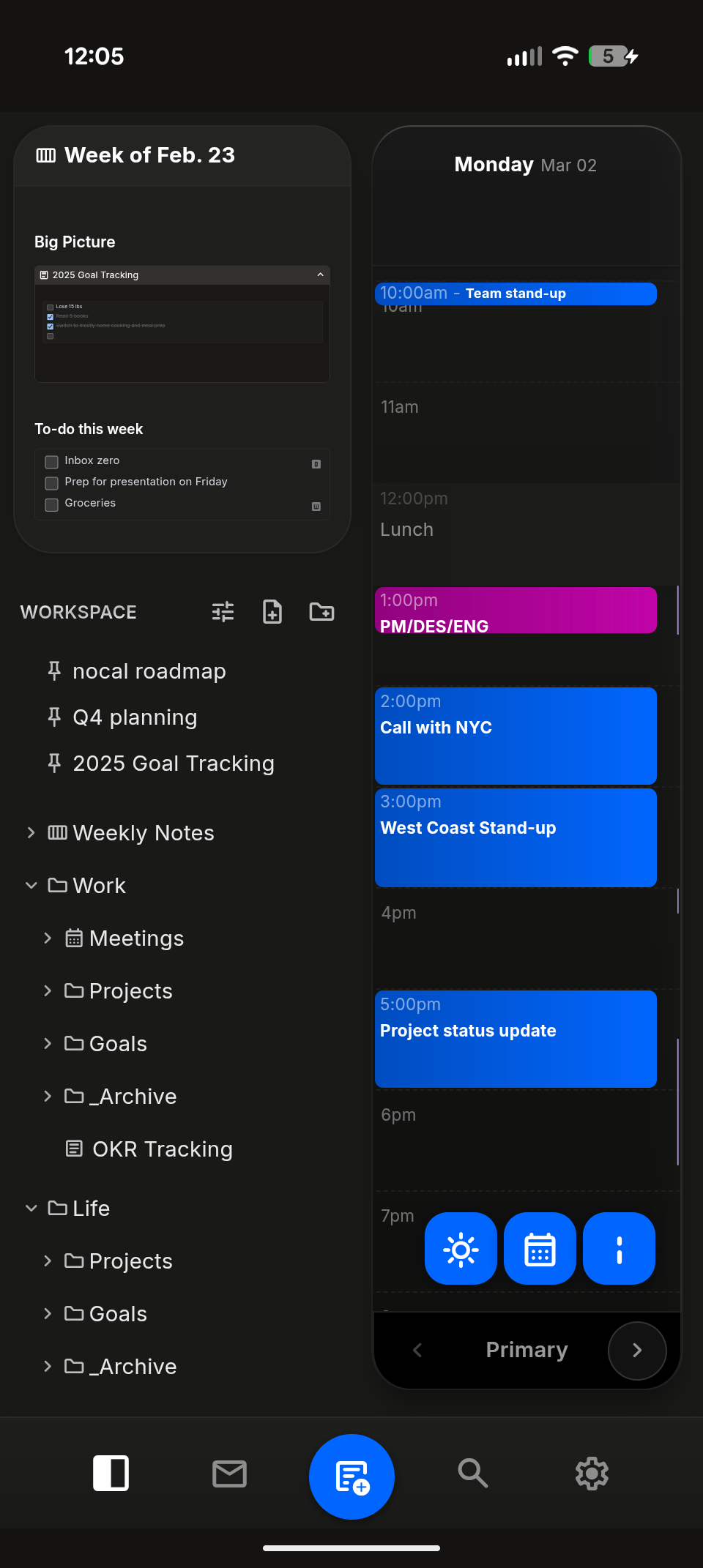
See your schedule without being overwhelmed. nocal surfaces what's next, then fades into the background, letting you focus on what matters.
Stop switching between apps. Prepare for meetings, take notes, and track action items directly from within your calendar.
A unified inbox for your personal and work events. Easily triage and respond in real time. See what needs your attention for the week ahead.
Reference meetings in your notes and notes in your meetings. Create a connected workspace that grows with your projects and builds institutional knowledge.
Start organizing your calendar today. Available for Mac and Windows.