nocal v3.0 released
Our biggest update ever: complete redesign, AI task and summary tools, iOS launch, Android parity, new themes, and smarter note organization.

Today we are launching nocal v3.0, our biggest update ever.
This release is a full step forward in how nocal looks, feels, and helps you operate day to day. We redesigned the product from the ground up, shipped major organization upgrades for notes, expanded AI capabilities, launched iOS, and brought Android up to feature parity with desktop.
Complete Design Overhaul
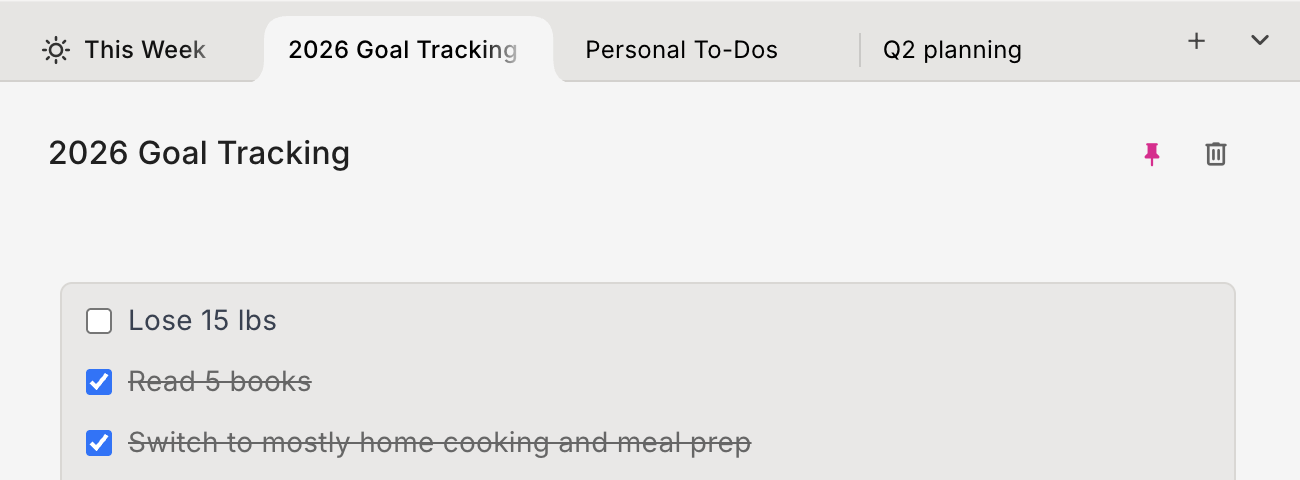
nocal 3 introduces the largest design update in nocal history. The interface is faster to scan, easier to navigate, and more consistent across desktop and mobile.
Key improvements include:
- A new tab system for faster switching between active contexts
- Better information hierarchy, so important work is easier to spot
- Cleaner interaction patterns across notes, calendar, and navigation
Why this matters: less friction means faster decisions. You spend less time managing the app and more time executing your work.
Better Note Organization: Folders + Methods
v3.0 adds folder-based workflows and built-in organization methods.
You can now organize notes with:
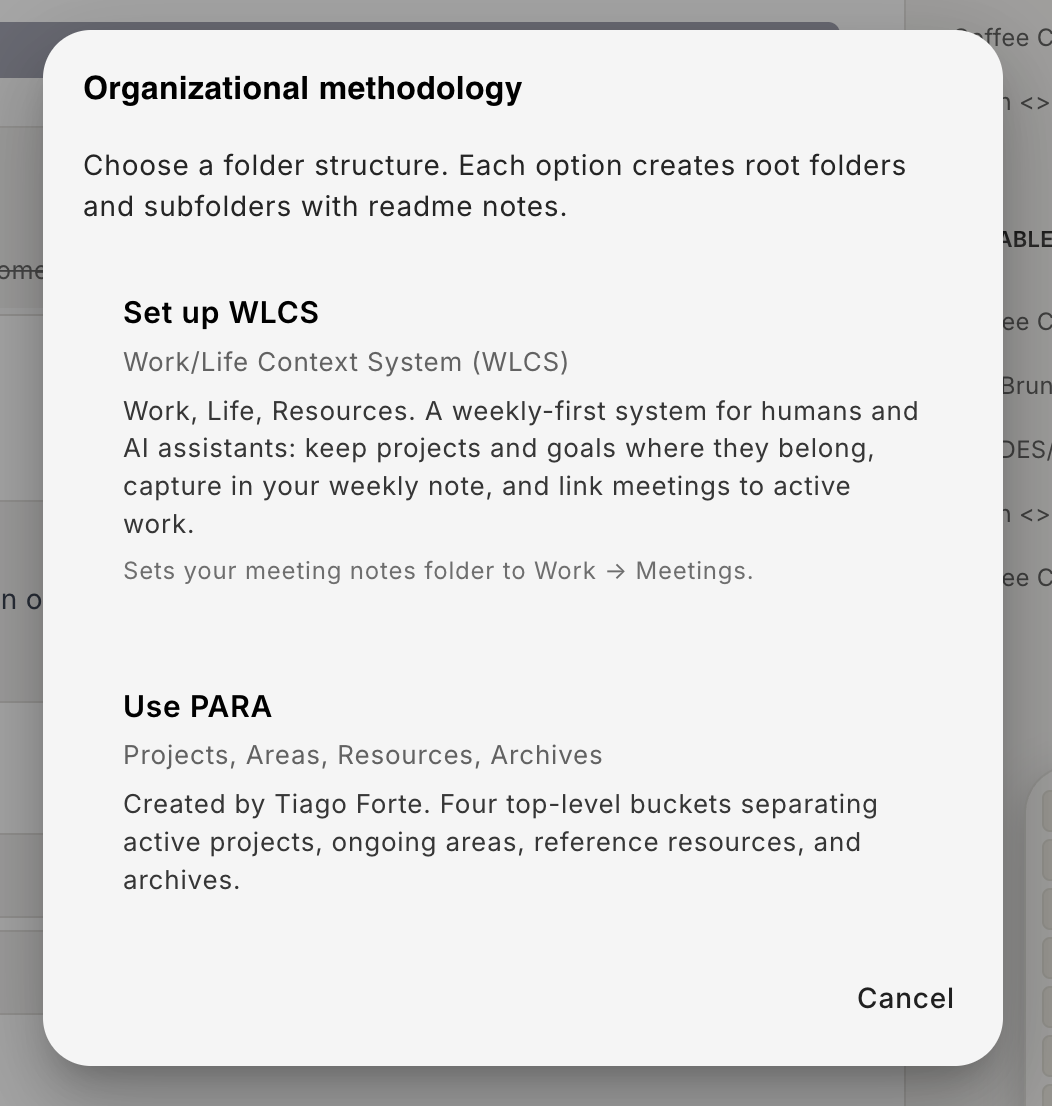
- WLCS (WorkLife Context System)
- PARA (Projects, Areas, Resources, Archives)
- Flexible folders for your own custom structure
Why this matters: different people and teams think differently. v3.0 gives you proven frameworks plus flexibility, so your note system can match how you actually work.
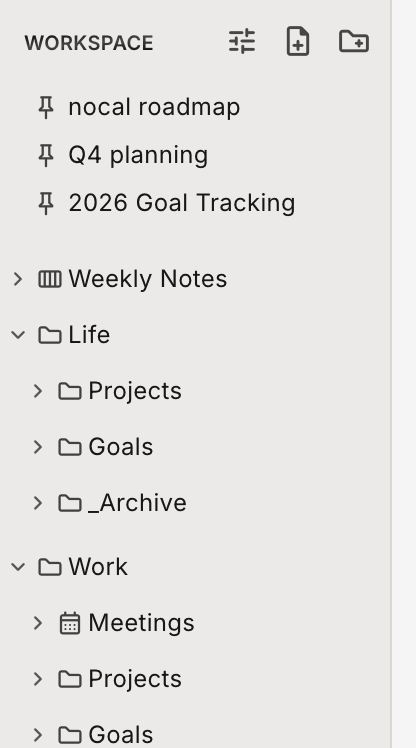
Folders give you a clear home for active work, reference notes, and archived material so important notes stay easy to find.
When you want more structure, nocal also supports built-in methodologies so you can organize notes with proven systems instead of starting from scratch.
New AI Features: Find Tasks and Summarize Work
We expanded AI features in v3.0 to help with two high-value workflows:
- Finding actionable tasks across your notes and meeting history
- Summarizing work into clear updates you can review or share
Why this matters: important action items often get buried in long notes. AI now helps surface commitments quickly and turns raw notes into useful summaries.
New Themes: Zen and Quiet Fjord
nocal 3 introduces two new visual themes:
- Zen (light)
- Quiet Fjord (dark)
Why this matters: your workspace should support focus, not fatigue. These themes improve readability and provide distinct visual environments for day and night usage.
iOS Launch + Android Update
nocal 3 marks the launch of the nocal iOS app.
At the same time, Android now includes the same core feature set as desktop, so your workflow stays consistent across platforms.
Why this matters: you can move between desktop and mobile without changing how you plan, capture, and execute.
Auto-Note Cleanup
nocal 3 includes auto-note cleanup tools to reduce noise in your workspace by removing low-value clutter and helping keep your note base healthy over time.
Why this matters: clean systems are easier to trust. When old and empty notes are handled automatically, current work stays visible.
nocal 3 Is Available Now
nocal 3 is available now across desktop, iOS, and Android.
This is our biggest update ever, and it sets the foundation for everything we are building next: faster planning, clearer execution, and better support from AI across your daily workflow.
 Download for Mac
 Download for Windows
 Google Play Store